Features

Field Tickets Dispatch + Compliance Timesheets Invoices Job Costing Flexi-Forms See all features →

Industries

Oilfield Services Hydrovac Rail Construction Oilfield Construction Facility Inspection See all industries →

Use Cases

Digitize Field Tickets & LEMs Reduce Days-to-Invoice Replace Paper & Spreadsheets Real-Time Field Visibility Faster Approvals & Reduce Disputes See all use cases →
Pricing

Resources

Blog Webinars Case Studies Integrations

Company

About Aimsio Team Partnerships Careers Hiring Awards & Achievements Contact Us
Book a Demo
INTEGRATIONS

Your Systems Already Work With Aimsio

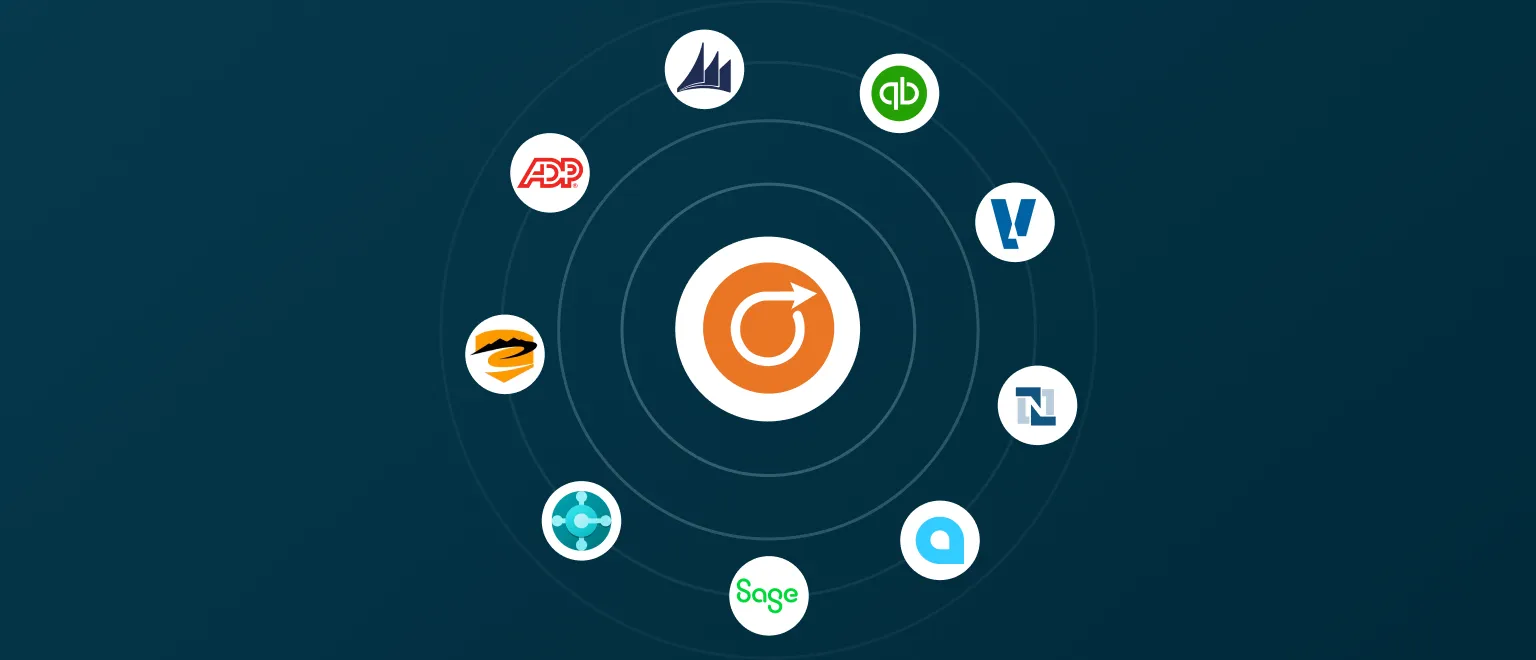
Aimsio integrates with the accounting, ERP, and payroll systems you already use, so your field data and financial records never disagree.

Aimsio

Field to finance, automated

Data flows from Aimsio into your accounting and payroll systems the moment work is approved.

Aimsio
DEEP INTEGRATIONS

Featured partners

Full two-way data sync with dedicated setup support and advanced features.
ALL INTEGRATIONS

Explore the full list

Use the filters to find integrations by category, or browse them all.

QuickBooks Online

QuickBooks Online

Keeps your books accurate and up to date, automatically.

Accounting
Sage Intacct

Sage Intacct

Cloud finance software that grows with you.

Accounting
ADP

ADP

Fast, easy, and affordable small business payroll.

Payroll

Sage 300

Sage 300

All-in-one business management software.

Accounting

NetSuite

NetSuite

ERP, financials, CRM, and ecommerce in one platform.

ERP

Microsoft Dynamics NAV

Dynamics NAV

A cloud-based business management solution.

ERP

Microsoft Business Central

Business Central

Connect finance, sales, service, and operations.

ERP

ViewPoint Vista

ViewPoint Vista

Real-time financial reporting with full visibility.

Accounting

Acumatica

Acumatica

An intuitive cloud ERP system to power your whole business.

ERP
Explorer Eclipse

Explorer Eclipse

Manage your construction sites with ease.

ERP

Don't see your system?

Aimsio can connect other accounting, ERP, and payroll software through a custom CSV export, so your field data still flows into your system without manual re-keying.

Aimsio's custom CSV export already supports systems like QuickBooks Desktop, Sage 50, Sage 300, and Ceridian Powerpay, and works with many others.

Talk to us about your system

How integrations work

Three steps from setup to seamless data flow.

Connect

Our onboarding team walks you through setup. No developer required.

Sync

Data moves between Aimsio and your connected systems to fit how your team works.

Reconcile

Field records and financial records stay in agreement, without manual reconciliation.

FAQ

Frequently asked questions

Aimsio offers integrations with QuickBooks Online, Sage Intacct, NetSuite, and Explorer Eclipse, plus ADP for payroll. For customers using software without a direct integration, we can provide a custom CSV setup for any software that supports CSV imports, such as (but not limited to):
  • Sage 50 (Accounting / Payroll)
  • QuickBooks Desktop (Accounting / Payroll)
  • Sage 300 (Accounting / Payroll)
  • Xero (Accounting)
  • Ceridian Powerpay (Payroll)
  • Wagepoint (Payroll)
QuickBooks Online: Yes. Aimsio has a direct integration with QuickBooks Online that imports customers, suppliers, employees, tax codes, and products & services into Aimsio, and pushes invoices, jobs, purchase orders, and non-recurring billables to QuickBooks Online.
QuickBooks Desktop: Aimsio supports a custom CSV export of invoice and payroll data.
Sage 50 / 300: Aimsio provides a custom CSV export of invoice and payroll data.
Sage Intacct: Yes, Sage Intacct has a direct integration: Aimsio imports customers, vendors, employees, projects, and items, and pushes jobs, WBS, purchase orders, non-recurring billables, invoices, and timecards to Sage Intacct.
Yes. Aimsio's NetSuite integration imports customers, vendors, employees, projects, and items, and pushes invoices and jobs to NetSuite. It connects out-of-the-box using NetSuite's OAuth 2.0 (machine-to-machine) via the Aimsio API.
Aimsio can still connect through a custom CSV export. Aimsio configures a compatible export file containing your invoice and payroll data for any software that supports CSV import, so field data doesn't have to be re-keyed even when a direct integration isn't available.
Aimsio works as the field-execution layer that feeds your system of record. It imports master data such as customers, vendors, employees, projects, and items from your accounting or ERP system so crews code work against the same records, then pushes approved outputs such as invoices, and, where supported, timecards, jobs, and purchase orders, back to that system.
Aimsio's direct integrations with cloud accounting and ERP systems (QuickBooks Online, Sage Intacct, NetSuite, and Explorer Eclipse) are directional rather than real-time two-way sync. Master data imports run on a schedule (around 5 AM MST) or on demand and are one-directional: a re-import from your accounting system overwrites the matching records in Aimsio, so it's best to make edits in Aimsio before pushing. Approved outputs like invoices are pushed to your system when you send them. Payroll (ADP) and custom CSV connections work differently, and your onboarding team walks through the specifics for your setup.
It depends on the system. QuickBooks Online and Sage Intacct connect without a third-party consultant. Some connections, including API/web-service integrations and CSV connections to desktop systems like Sage 50 and QuickBooks Desktop, may require a third-party consultant or your in-house developers to build the connection on your software's side. If it's required, Aimsio can point you to our specialists; those fees are arranged directly with the consultant and aren't included in Aimsio's setup fee. Aimsio handles everything on the Aimsio side of the connection.
Setup is handled by Aimsio's onboarding team as part of implementation. Depending on the systems involved and whether the connection is a direct integration or a custom CSV/connector, some integrations include a one-time professional-services setup fee. If your connection requires a third-party consultant or additional software on your system's side, those costs are separate from Aimsio's setup fee and arranged directly with that provider.
Once your integration is live, you'll be able to eliminate double entry. Approved invoices and timecards flow from Aimsio into your accounting or payroll system instead of being re-keyed by hand, and where a direct integration isn't available, the custom CSV export serves the same purpose. However, once an export has happened and you need to make adjustments (for example, changing an invoice total), you'll need to manually adjust the data inside Aimsio and the external system.
Yes. Aimsio's ADP integration imports employee data and exports approved timecards to ADP to reduce manual entry and speed up pay runs.
Most of the effort is up front. Your team joins a requirements-gathering meeting with Aimsio's integration specialists. This is where you'll bring the people who know your accounting or ERP system best and will use the integration day to day. During development, you provide a sample of live data (ideally about two weeks' worth, especially for payroll and time exports) so Aimsio can test that the export imports correctly into your system. After that, ongoing effort is minimal, particularly if you're already using Aimsio daily, and Aimsio schedules regular check-ins until you confirm everything is working.
It depends on the connection type. A custom CSV export typically takes two to four weeks for the first version; API or web-service integrations typically take three to six weeks, depending on scope. If adjustments are needed after testing, each round usually adds one to two weeks. The more detailed your requirements up front, the fewer rounds, and the faster the timeline, subject to availability across all parties (your team, Aimsio, and any third-party consultant).

Connect your systems

See how Aimsio works with your existing accounting, ERP, and payroll tools.